

One USB-C port is not enough for modern gear
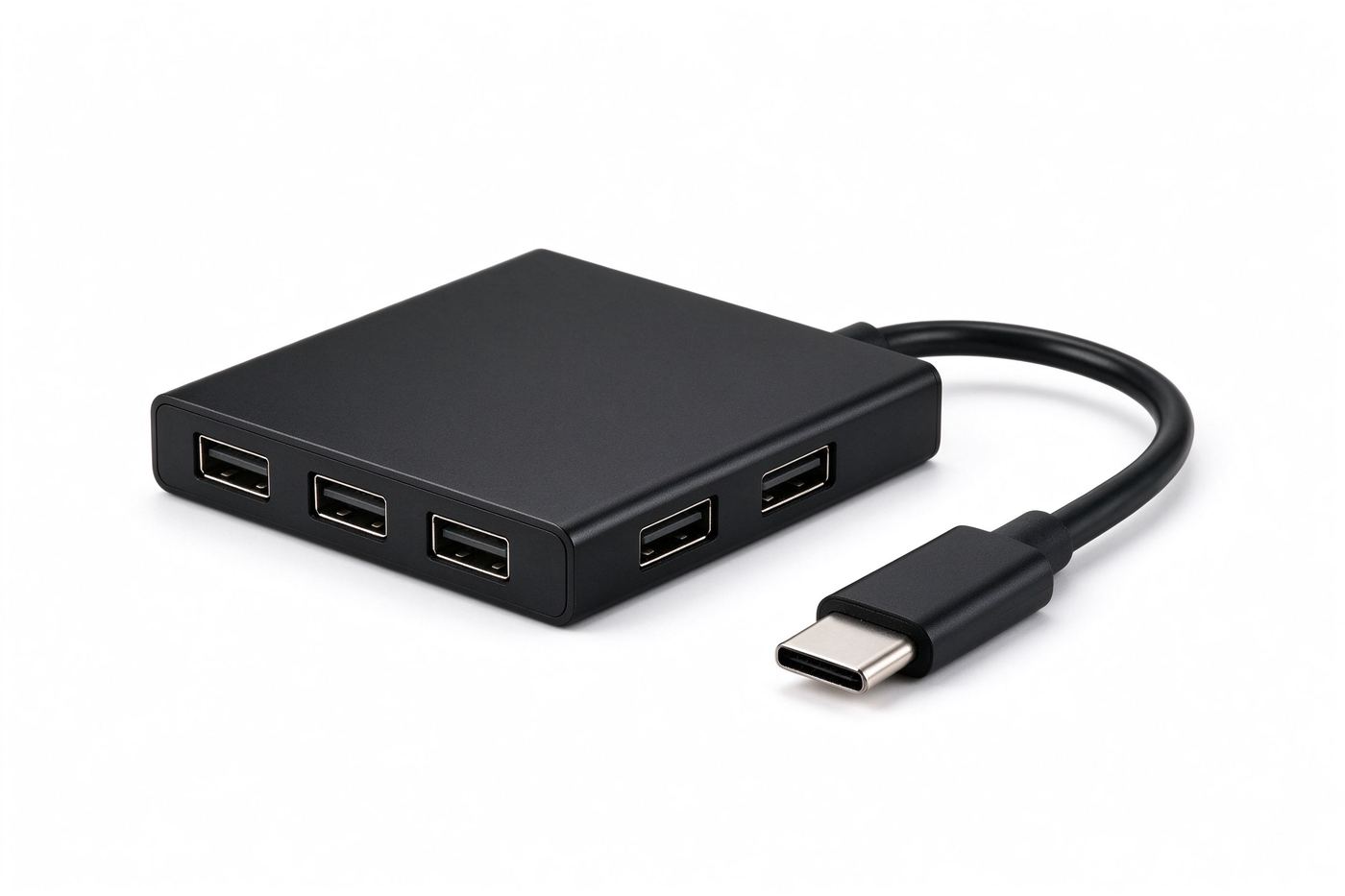
Slim laptops often carry a single USB-C port, so a mouse, flash drive, and keyboard fight for space. A small hub turns that one port into four ready connections.
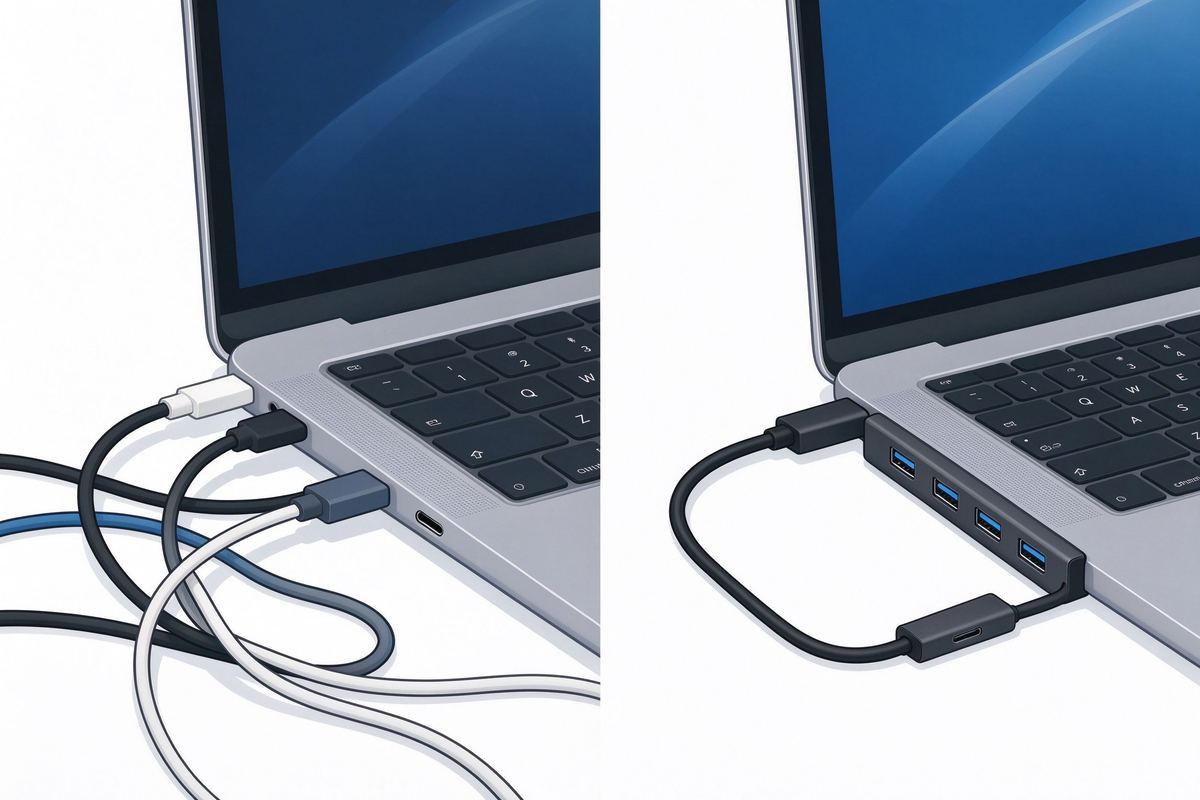
- ▪ Too few ports. One socket for all gear.
- ▪ Unplug dance. Swap cables constantly.
- ▪ Cluttered desk. Cables crowd the laptop.
- ▪ Lost speed. Old ports bottleneck transfers.
Adds four USB 3.0 ports from one Type-C
Plug the hub into your USB-C port and connect a mouse, flash drive, keyboard, or card reader to its four USB 3.0 ports for fast, stable expansion.
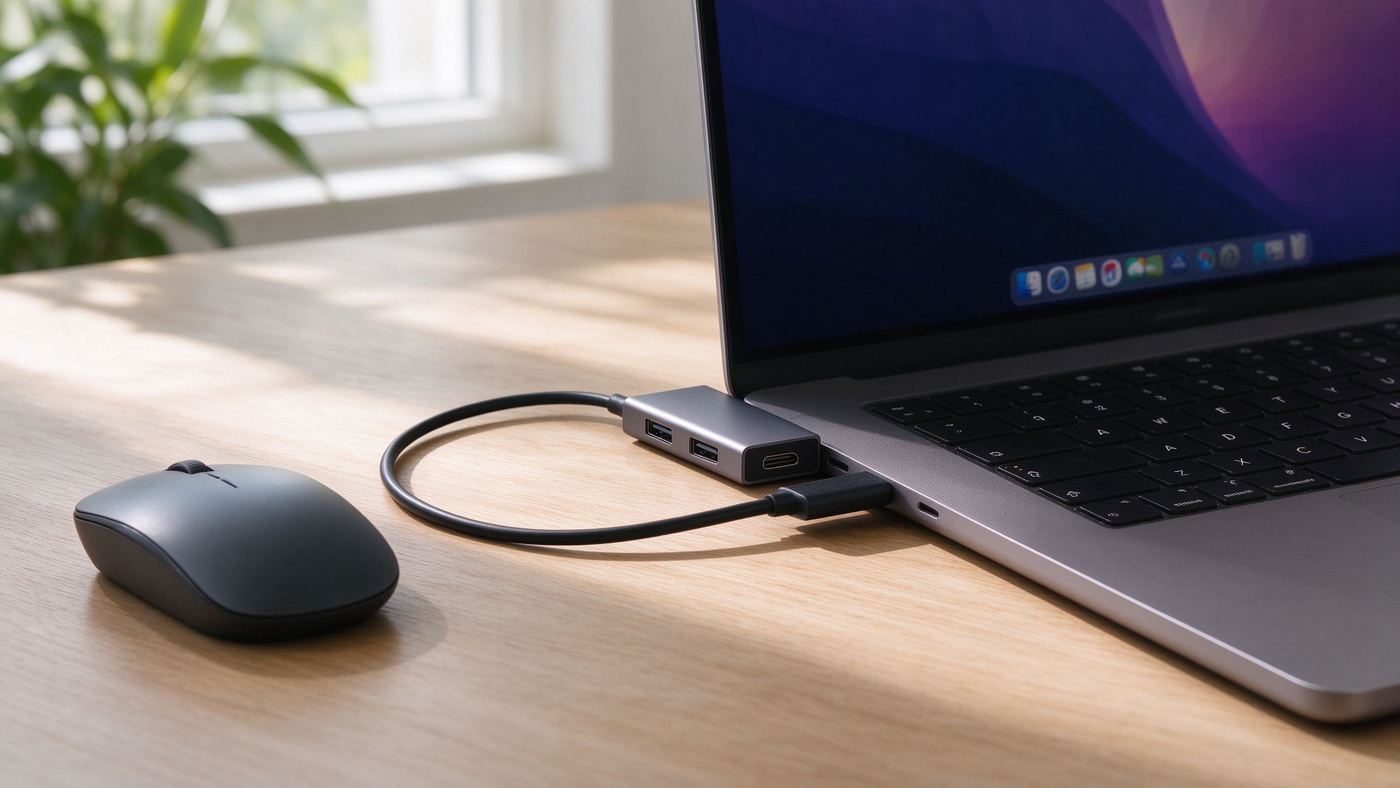
Run multiple devices at once.
Fast data transfer.
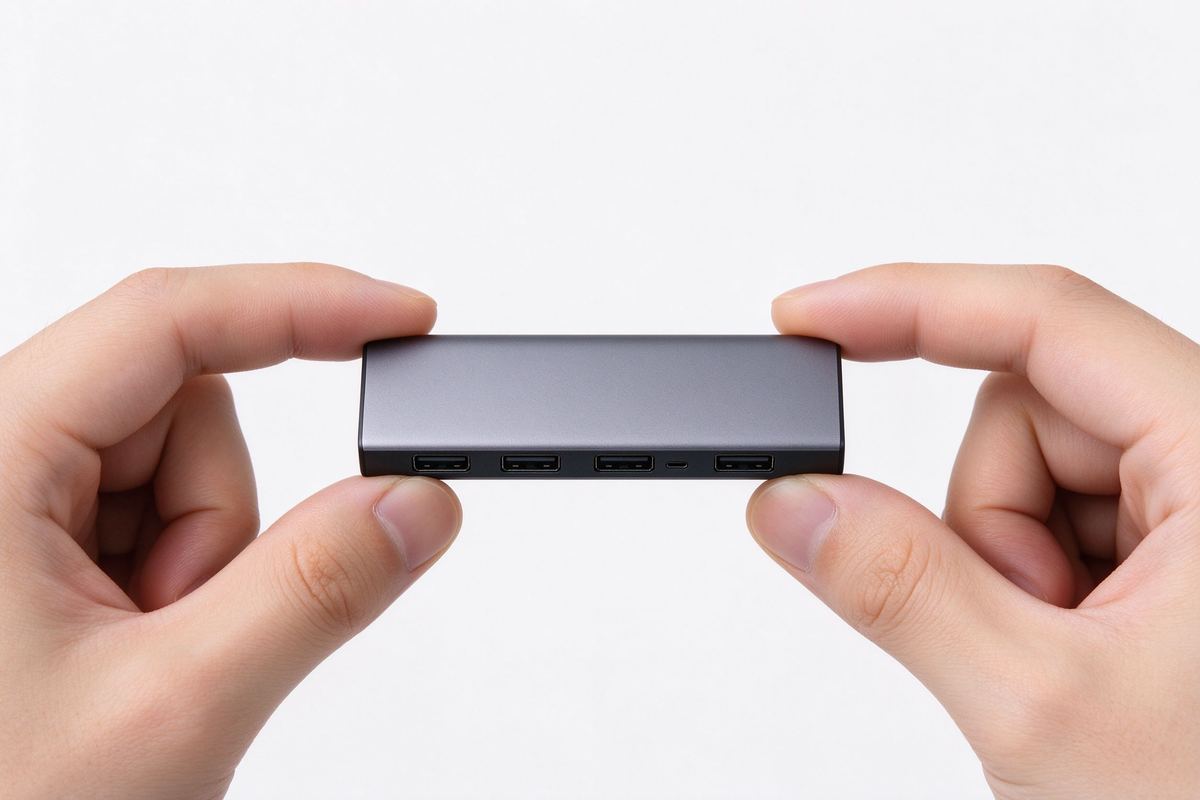
Fits in a pocket or bag.
No driver install.
Durable shell with a short cable
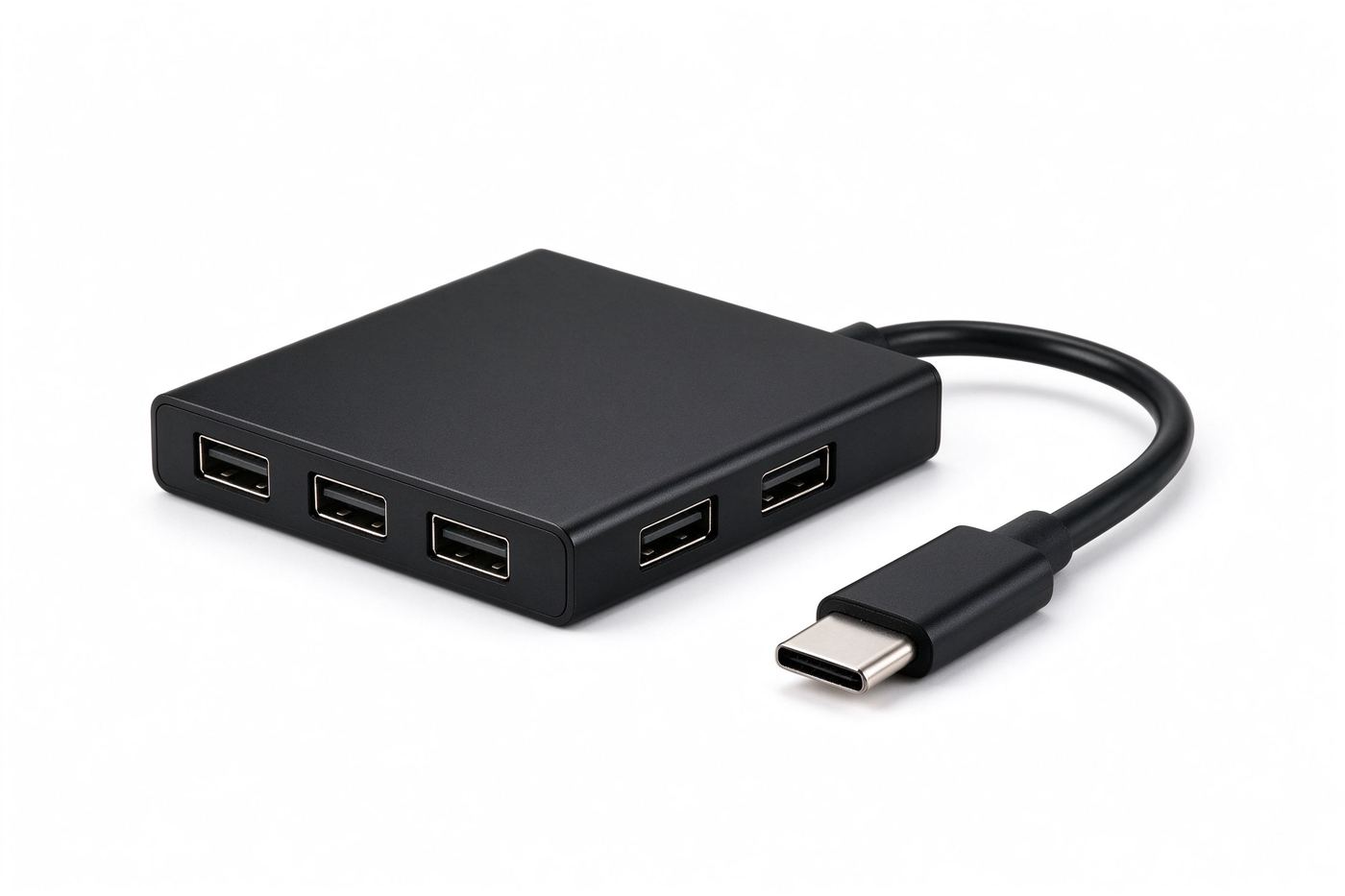
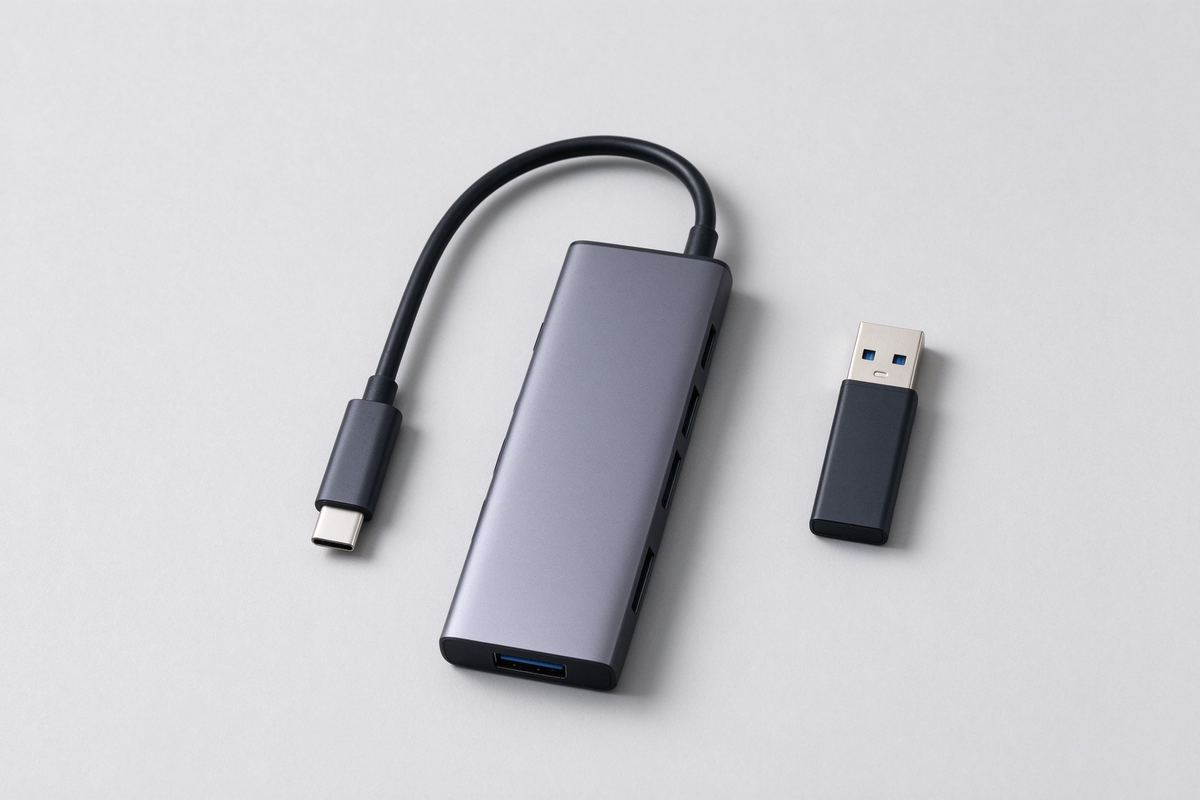
The hub has a compact shell, four USB-A ports, and a short attached USB-C cable that keeps the hub close to your device.
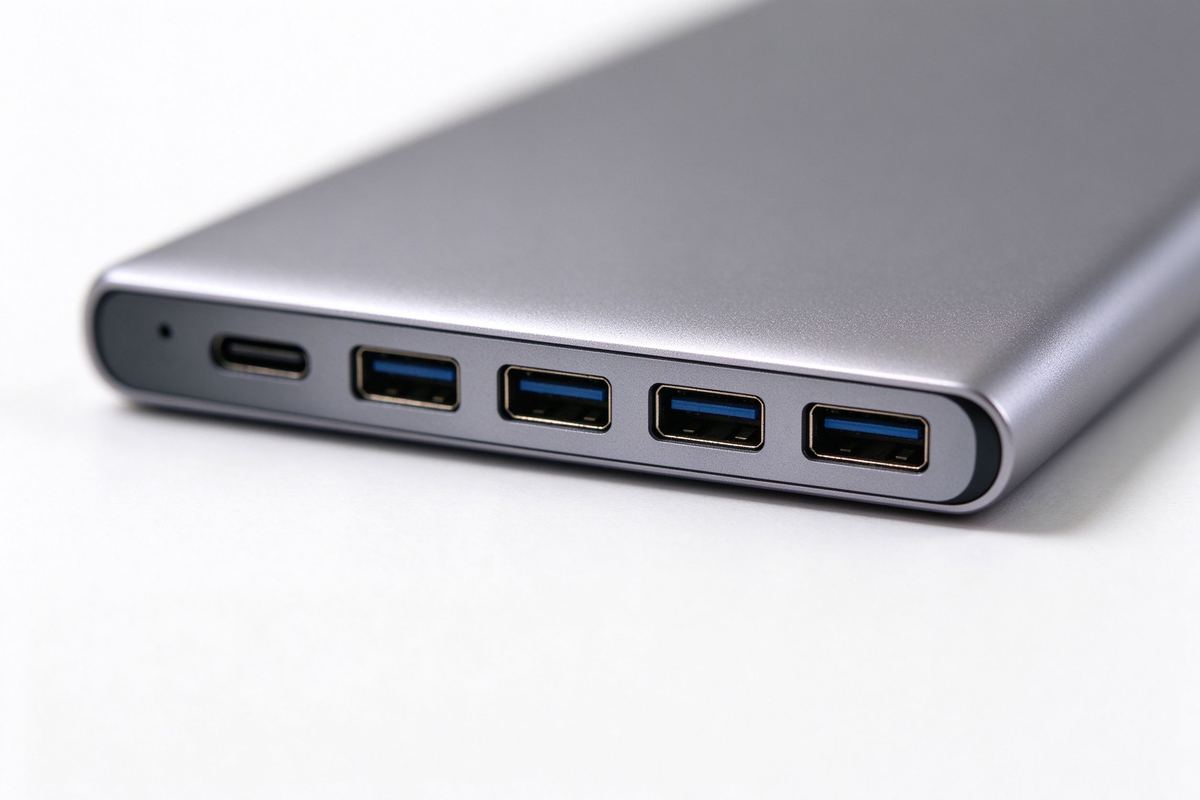
- ▪ Compact shell. Light and portable.
- ▪ Four USB-A. Standard device ports.
- ▪ Short cable. Stays near the laptop.
- ▪ Bus powered. Runs from the host port.
Plug in, connect, go
Simple steps to expand your ports.
Insert the USB-C connector.
Connect mouse, drive, keyboard.
Check devices are detected.
Remove when done.
General specs, verify compatibility
Typical values for a 4-in-1 USB-C hub; verify compatibility with your device before ordering.
| Specification | Value |
|---|---|
| Product | 4-in-1 USB-C Hub |
| Ports | 4 x USB 3.0 |
| Interface | USB Type-C |
| Power | Bus powered |
| Setup | Plug and play |
| Compatibility | Laptops, tablets, PCs |
| Warranty | 30-day replacement on defects |
Note: Verify your device supports USB-C data output; high-power devices may need a powered port.
Hub versus a single built-in port
Same laptop, two setups. Here is how they line up.
| At a glance | This product | One port |
|---|---|---|
| Ports | Four ready | One socket |
| Transfer | USB 3.0 speed | Cable swapping |
| Setup | Plug and play | None added |
No surprises in the pack
You receive the USB-C hub with attached cable.
| Specification | Value |
|---|---|
| Product | USB-C Hub |
| Ports | 4 x USB 3.0 |
| Interface | USB Type-C |
| Power | Bus powered |
| Setup | Plug and play |
| Warranty | 30-day defect replacement |
A compact hub with four USB 3.0 ports from one Type-C socket.
Verify USB-C data compatibility with your device.
Keep the ports clean and dry
Simple care keeps the hub reliable.
- ▪ Keep dry. Avoid moisture near ports.
- ▪ Pull gently. Remove cables by the plug.
- ▪ Avoid force. Insert connectors squarely.
- ▪ Store safe. Protect the connector end.
It adds four USB 3.0 ports from a single USB-C port for more device connections.
No, it is plug and play on most systems.
Yes, it runs from the host USB-C port; very high-power devices may need a powered hub.
It suits laptops, tablets, and PCs with a USB-C data port; verify compatibility before ordering.
Keep ports dry, pull cables by the plug, and store it with the connector protected.



Reviews
There are no reviews yet.